

Real-time updates
Managing your Google Business Profile on mobile allows immediate updates to business information, ensuring accuracy for customers at all times.

Managing your Google Business Profile on a mobile device has never been easier or more essential. Whether you are using iOS or Android, having the ability to update your business information, respond to reviews, and engage with customers on the go ensures your profile remains accurate and competitive.
Staying connected through your mobile allows for timely updates and seamless management, helping your business maintain a professional online presence at all times. This guide will walk you through the key features and best practices to manage your Google Business Profile effectively from your smartphone.
Free Google Business Profile AuditManaging your Google Business Profile on mobile allows immediate updates to business information, ensuring accuracy for customers at all times.
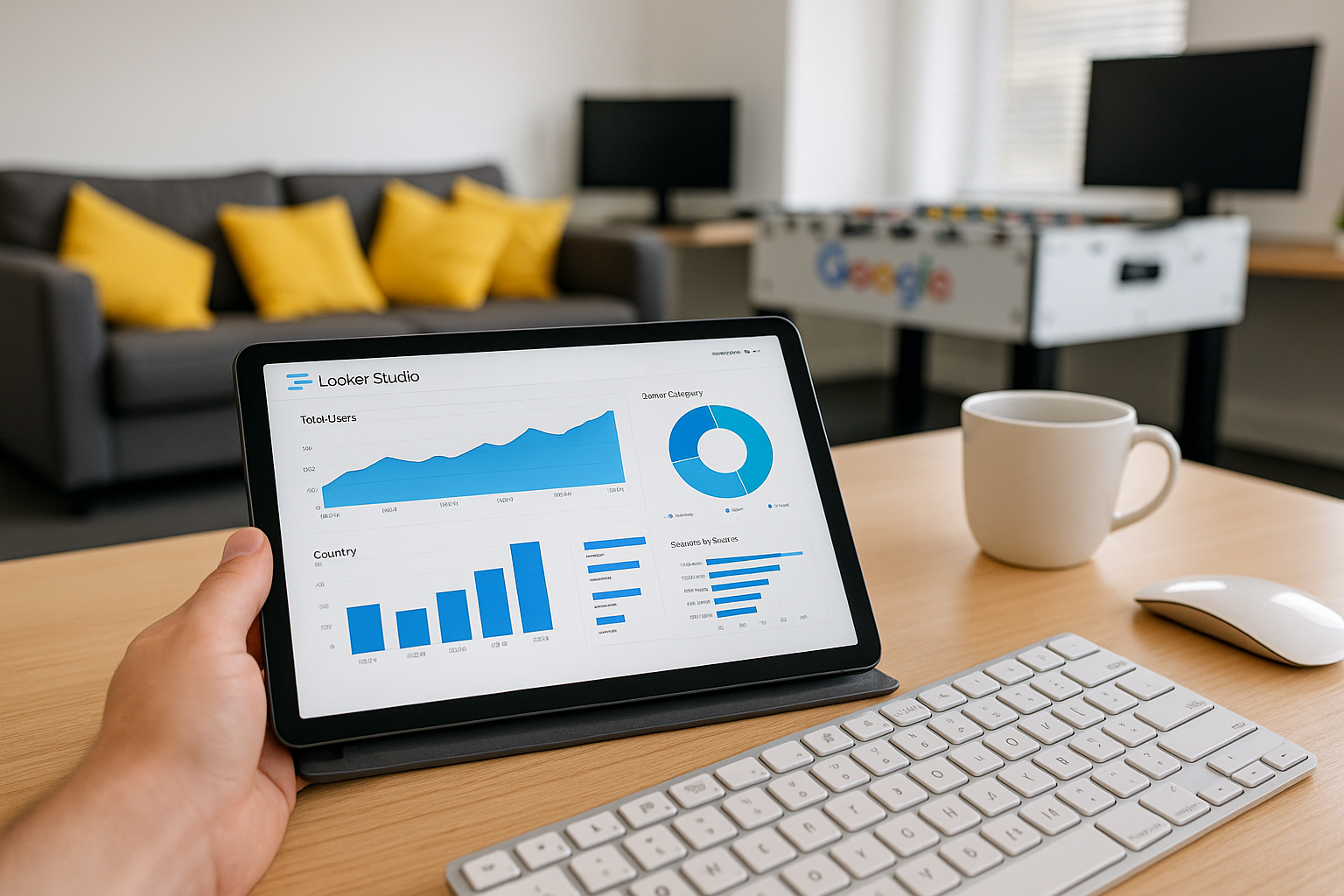
Mobile apps offer a streamlined and intuitive design, making it simpler to navigate and manage your profile quickly and efficiently.

You can access and update your profile from both iOS and Android devices, providing flexibility no matter your mobile platform.
Mobile management includes features like responding to reviews and messages directly, enhancing your interaction with customers on the go.
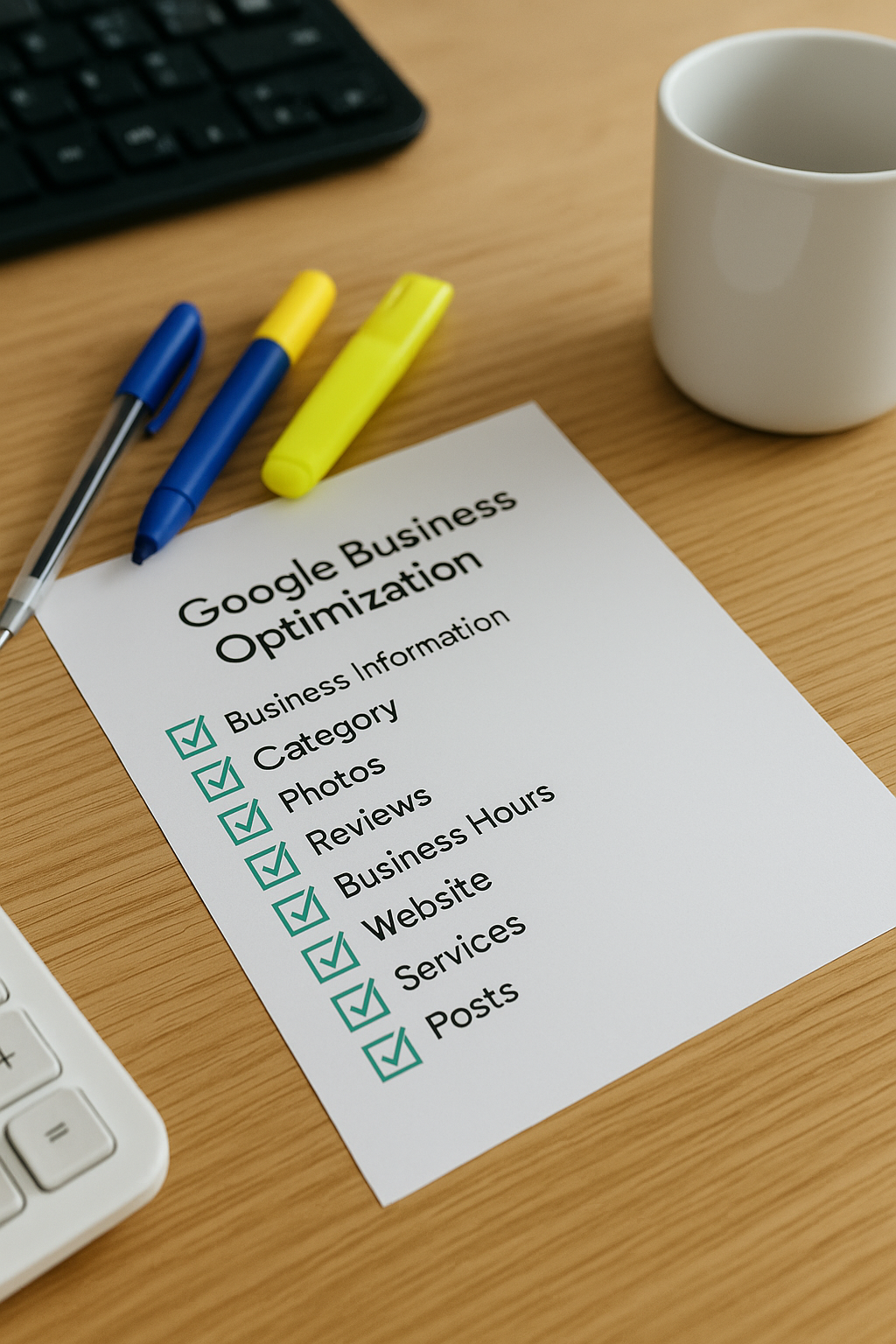
Uploading photos and posts via mobile is quick and simple, helping to keep your profile visually appealing and up to date.

Receive instant notifications for profile activity such as reviews and questions, enabling prompt responses and improved customer relations.
To begin managing your Google Business Profile on a mobile device, the first step is to download the Google Business Profile app, available on both iOS and Android platforms. Once installed, sign in using the Google account associated with your business. If you have not yet claimed your business, the app will guide you through the verification process to ensure you have control over your profile.
After successfully signing in, familiarise yourself with the app’s intuitive dashboard. Here, you can update essential details such as your business hours, contact information, and address, ensuring customers always receive accurate information. Regularly checking notifications is also crucial, as they alert you to customer reviews, messages, and other timely updates. Following these initial steps will set a strong foundation for effective mobile management of your Google Business Profile.
Over half of Google Business Profile searches now happen on mobile devices, making mobile management essential for businesses.
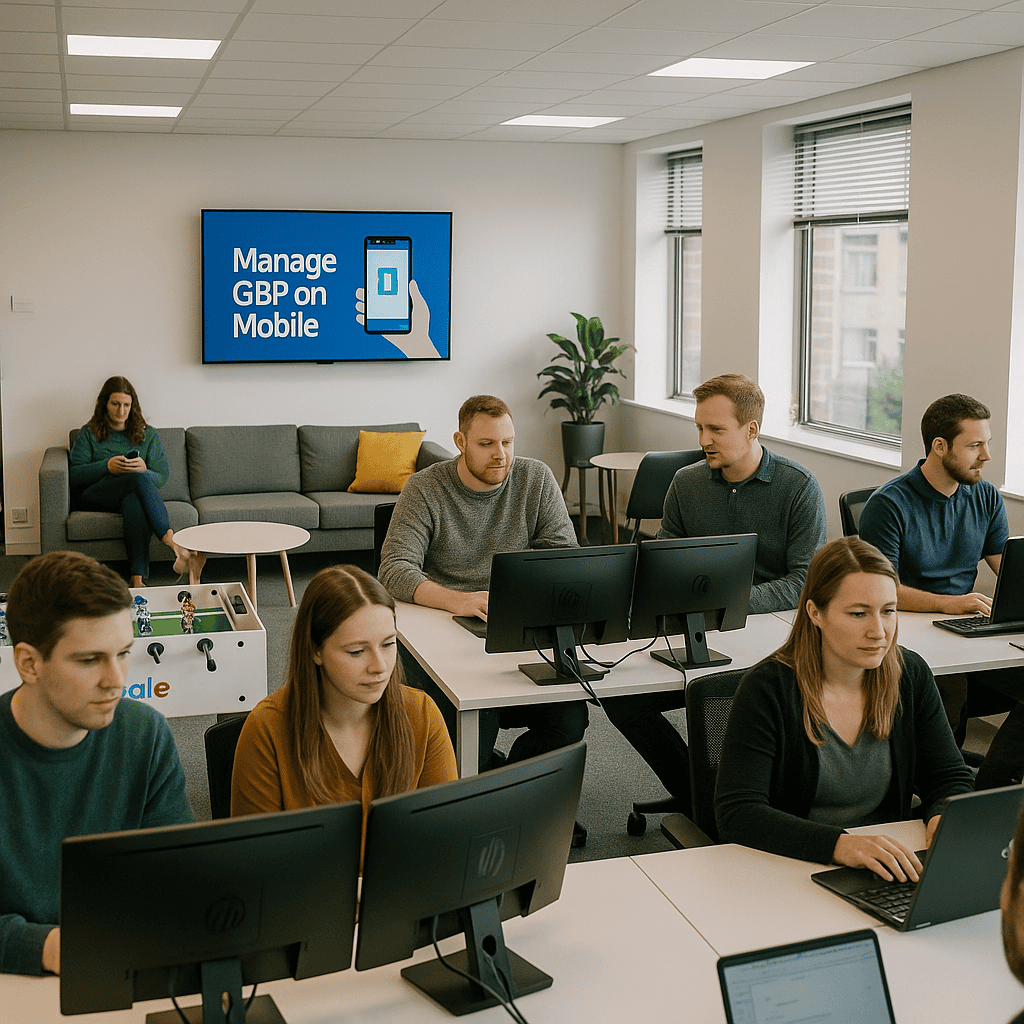
One common mistake is neglecting to regularly update your Google Business Profile via mobile devices. While managing your profile on the go offers convenience, overlooking timely updates can lead to outdated information, which may confuse potential customers. Ensuring your profile details, such as opening hours and contact information, are accurate is crucial for maintaining trust.
Another frequent error is not optimising images and posts for mobile viewing. Poorly formatted content can appear unprofessional and deter engagement. Always review how updates display on mobile screens to provide a seamless and positive user experience, reflecting well on your business’s credibility.
Our expert guidance ensures you manage your profile effortlessly from any mobile device, helping your business stand out and connect with customers anytime, anywhere.
Get Your Free Google Business Profile Audit