

Accurate Business Information
Consistently updating your business name, address, and phone number on GBP ensures customers find and trust your services easily.

Navigating the digital landscape effectively requires a clear understanding of how Google Maps and Google Business Profile (GBP) work together to enhance your business’s online presence. By optimising these tools, you can significantly increase your visibility to local customers actively searching for your services across the UK.
Our team specialises in leveraging Google Maps and GBP to drive targeted traffic, improve customer engagement, and ultimately boost your sales. Whether through expert SEO strategies or tailored PPC campaigns, we ensure your business stands out in a competitive market.
Free Google Business Profile AuditConsistently updating your business name, address, and phone number on GBP ensures customers find and trust your services easily.

Enhancing your Google Maps profile with quality images and detailed descriptions improves visibility and attracts more potential clients.

Regularly responding to reviews on GBP demonstrates engagement and builds a positive reputation that influences customer decisions.
Selecting the most appropriate business categories on Google Business Profile helps target the right audience and improves local search rankings.
Publishing timely posts on GBP promotes offers, events, and news, keeping your audience informed and engaged directly on Google Maps.

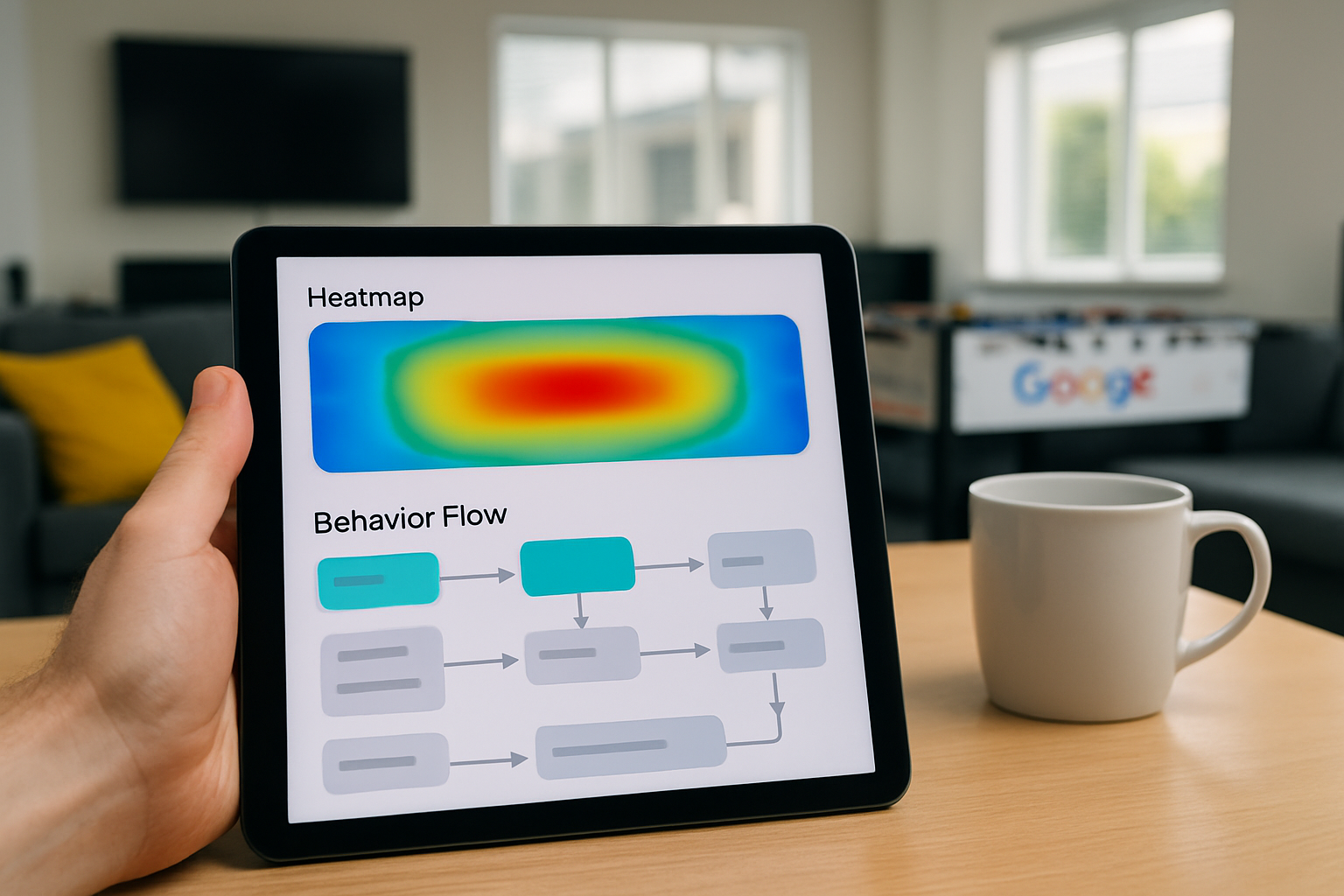
Analysing Google Maps and GBP data reveals customer behaviours and helps optimise your local marketing strategy effectively.
To start harnessing the power of Google Maps and Google Business Profile (GBP), begin by claiming and verifying your GBP listing. This essential step ensures your business details are accurate and visible to potential customers searching locally. Once verified, take the time to complete your profile comprehensively, including up-to-date contact information, operating hours, and high-quality images to create a strong first impression.
Next, focus on optimising your listing through regular updates. Respond promptly to customer reviews and post timely updates or special offers to engage your audience effectively. Additionally, ensure your business information is consistent across all online platforms to improve local search rankings.
By following these initial steps, you set a solid foundation for increased business visibility and customer trust through Google Maps and GBP. For tailored advice and support, consider consulting SEO and PPC experts proficient in local business optimisation within the UK market.
In 2005, Google Maps launched with just 20 cities, now powering billions of local business searches worldwide.
Failing to keep your Google Business Profile (GBP) up to date is the most common and costly mistake businesses make. Outdated or inaccurate information can confuse potential customers and reduce your visibility in search results. Consistent updates and accurate details ensure that your business stands out to users looking for reliable services in your area.
Another critical oversight is neglecting to engage with customer reviews on both Google Maps and your GBP. Responding professionally to feedback, whether positive or negative, builds trust and shows commitment to customer satisfaction. Ignoring reviews misses a valuable opportunity to enhance your business reputation and attract new clients.
Let our expert SEO and PPC services optimise your Google Maps and Google Business Profile, increasing your visibility and attracting more customers across the UK.
Get Your Free Google Business Profile Audit