Free Features Uncovered
Unlocking the full potential of your Google Business Profile doesn’t have to come at a cost. This page explores the array of free features available to businesses aiming to boost their online presence without additional expense. From managing your business information to engaging with customers, these tools provide valuable opportunities to enhance visibility on both Search and Maps.
Understanding and utilising these features effectively can set your business apart in a competitive digital landscape. Whether you’re new to Google Business Profile or looking to optimise your existing listing, this guide offers practical insights to help you make the most of what’s freely available.
GBP Free Features: Essential Insights

Business Profile Customisation
You can personalise your Google Business Profile with images, business hours, and contact details to better engage potential customers.

Customer Reviews Management
Responding to and managing customer reviews on GBP helps build trust and demonstrates your commitment to excellent service.
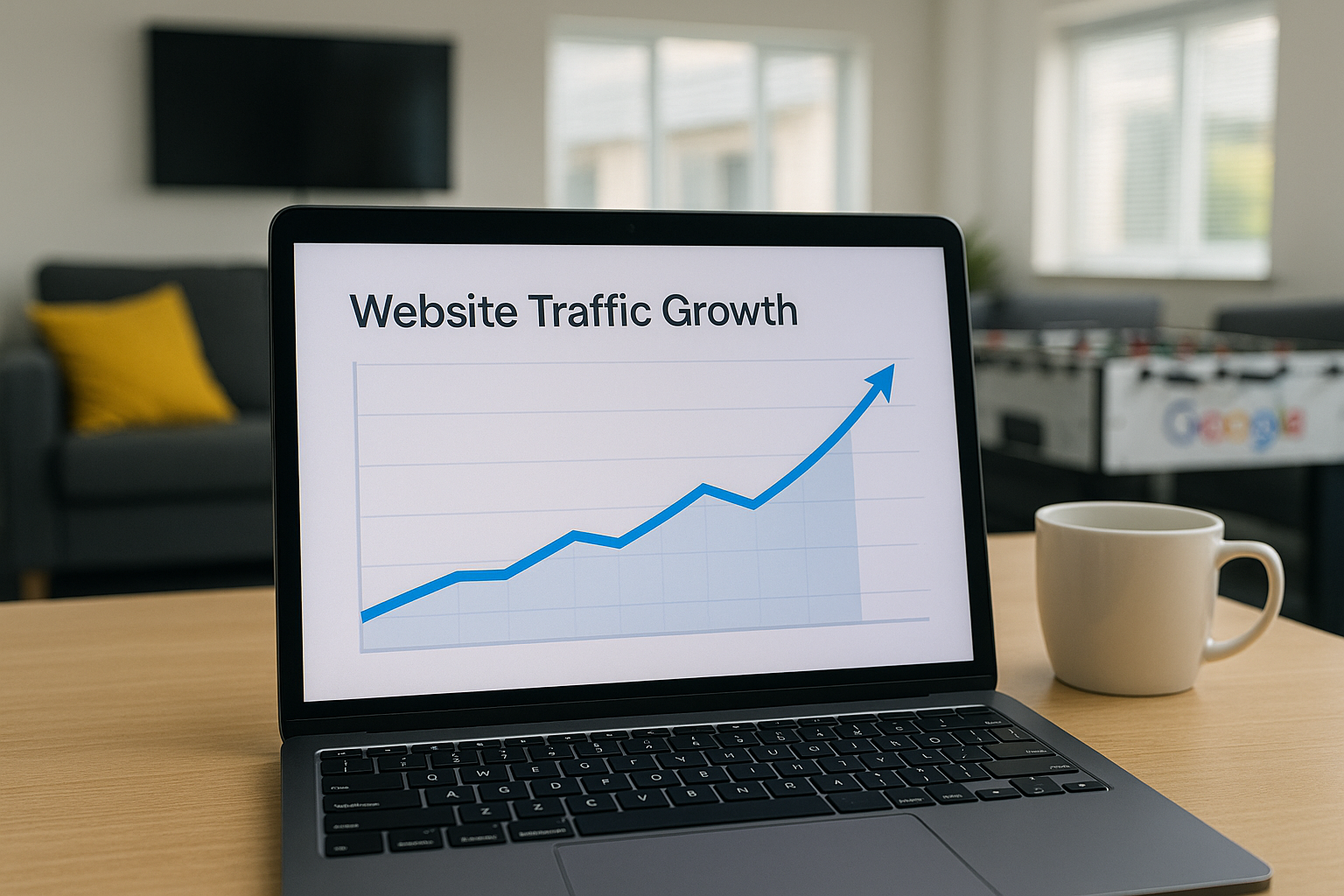
Posts and Updates
Regularly publishing posts allows you to share news, offers, or events directly on your profile, keeping your audience informed.
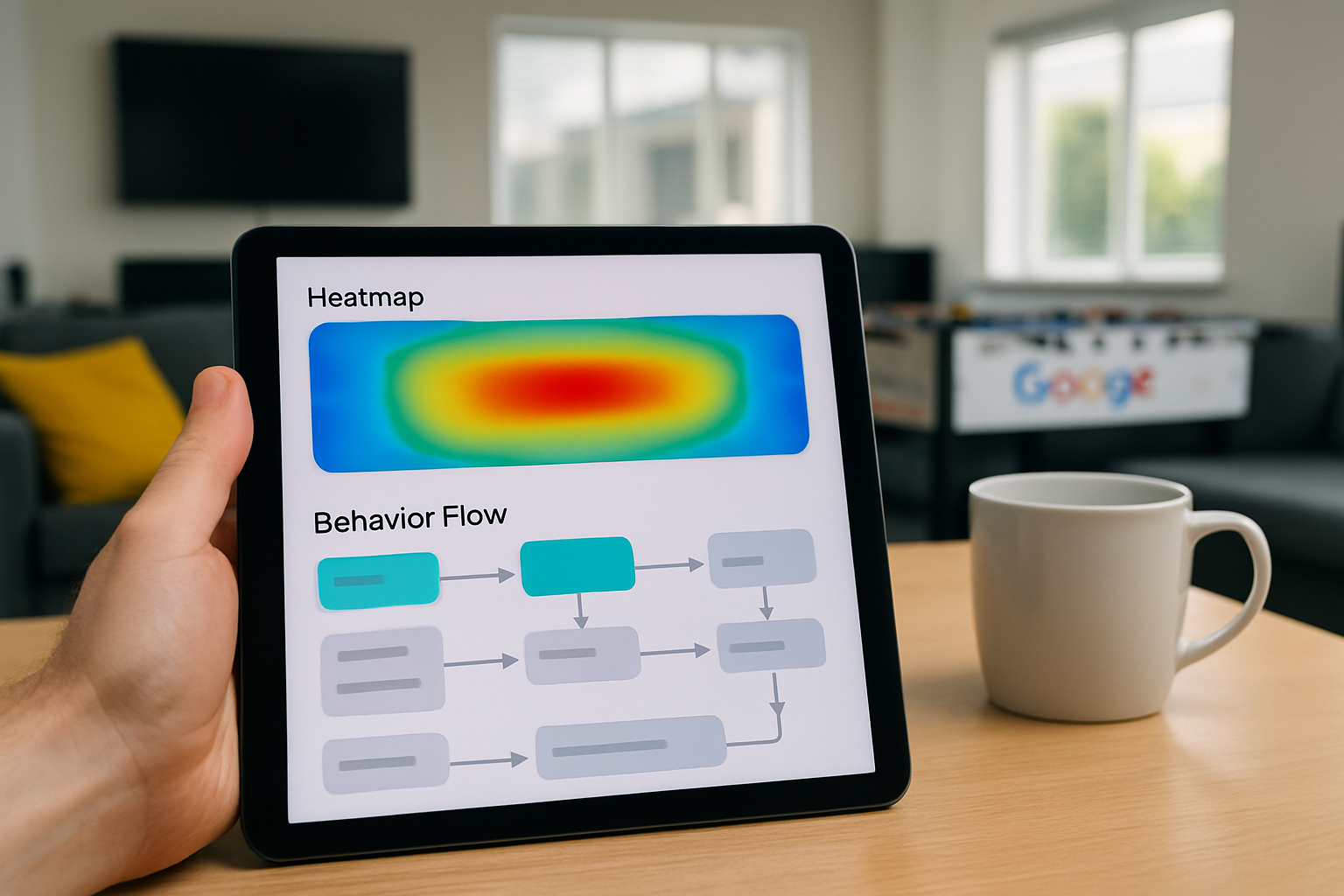
Insights and Analytics
Google provides valuable data on how customers find and interact with your profile, enabling smarter marketing decisions.
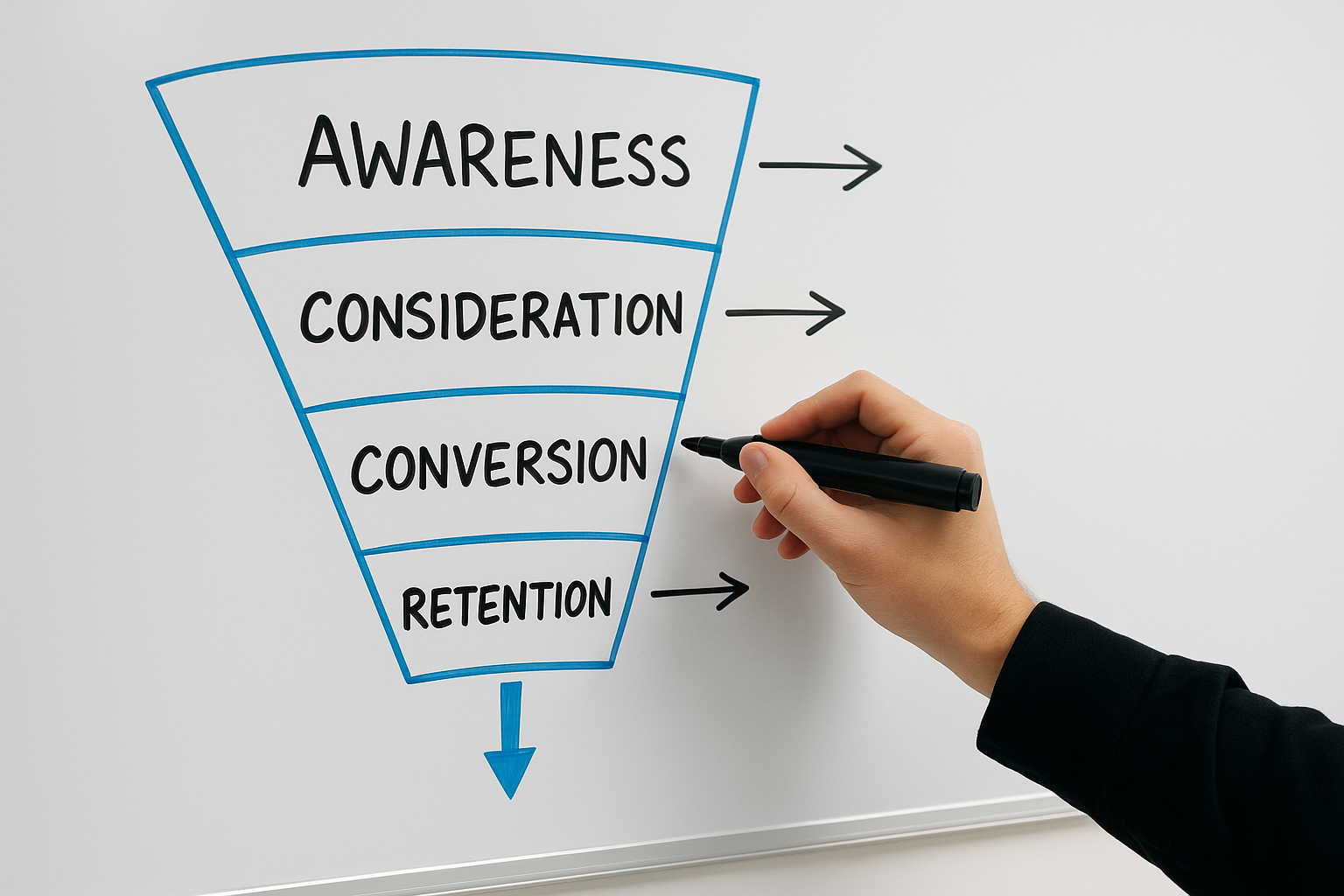
Messaging Feature
You can communicate directly with customers through GBP's messaging tool, offering a convenient way to answer inquiries swiftly.
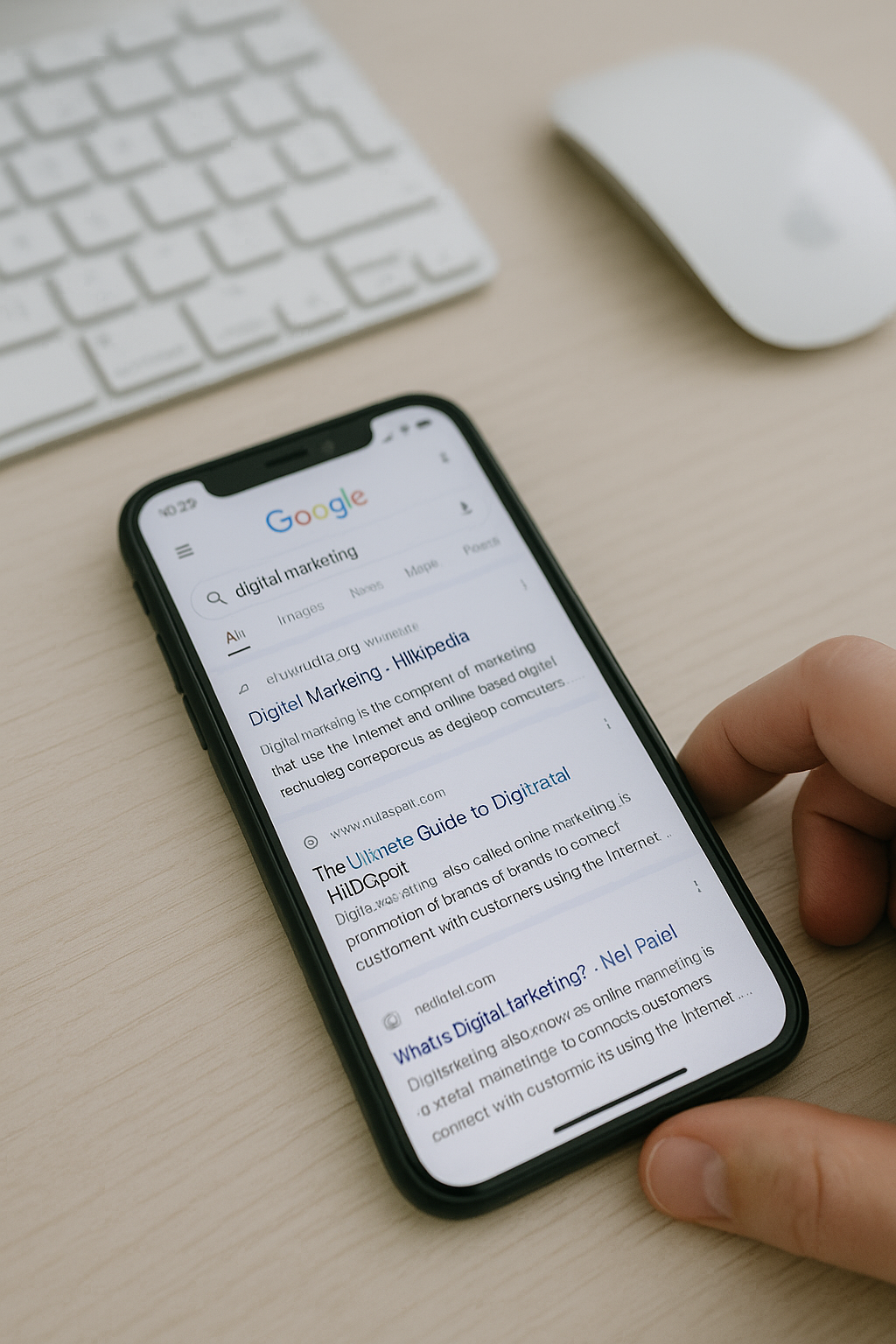
Booking Integration
Integrate appointment booking features with your profile to streamline customer interactions and increase conversion potential effortlessly.
Beginning Your Journey with Google Business Profile
Starting with Google Business Profile is straightforward and an excellent way to boost your local online presence. First, visit the official Google Business Profile website and sign in using your Google account. If you do not have one, creating a Google account is quick and free. Once logged in, you will be prompted to enter your business name and address to check if it already exists in Google’s system.
Next, claim your business or create a new listing by providing accurate details such as your business category, contact information, and opening hours. Verification is a crucial step; Google will typically send a postcard with a code to your business address, ensuring that you are the legitimate owner. Once verified, you can start adding photos, respond to reviews, and update your profile regularly. These simple yet effective steps allow you to leverage free features to increase your visibility on Search and Maps.
GBP Perks
Over 80% of local searches lead to a business profile, making GBP’s free features vital for visibility.

The Biggest Mistake to Avoid
One common error when using Google Business Profile’s free features is neglecting to keep your information up to date. Inaccurate or outdated details can mislead potential customers and damage your credibility. Ensuring your contact information, opening hours, and services remain current is essential for maintaining trust and visibility.
Another critical mistake is ignoring customer reviews. Responding promptly and professionally to feedback not only demonstrates excellent customer service but also improves your profile’s relevance on Search and Maps. Failing to engage with reviews means missing valuable opportunities to build rapport and enhance your online reputation.
Top 5 Questions People Ask About GBP Free Features
What is a Google Business Profile?
A Google Business Profile is a free online tool that enables businesses to manage their presence across Google Search and Maps. It allows companies to showcase key information, engage with customers, and enhance local visibility, driving traffic and fostering trust in digital marketing efforts.
How do I create a Google Business Profile for free?
To create a free Google Business Profile, visit the Google Business Profile website, sign in with your Google account, and enter your business details such as name, address, and contact information. Verify your business via postcard, phone, or email to manage your online presence effectively.
What are the benefits of having a free Google Business Profile?
A free Google Business Profile enhances online visibility, improves local SEO, and builds customer trust by showcasing accurate business information, reviews, and photos. It enables direct interaction with customers, driving engagement and foot traffic, ultimately supporting business growth without additional advertising costs.
How can I optimise my Google Business Profile?
Optimize your Google Business Profile by ensuring complete, accurate information, regularly updating photos, and encouraging customer reviews. Use relevant keywords in descriptions, maintain consistent NAP (Name, Address, Phone) details, and engage promptly with reviews to boost local search visibility and enhance customer trust.
Is it important to verify my Google Business Profile?
Yes, verifying your Google Business Profile is essential for enhancing your online credibility, improving local search visibility, and gaining access to valuable tools like customer insights and review management. It ensures accurate business information, fostering trust and driving more potential customers to your location.