
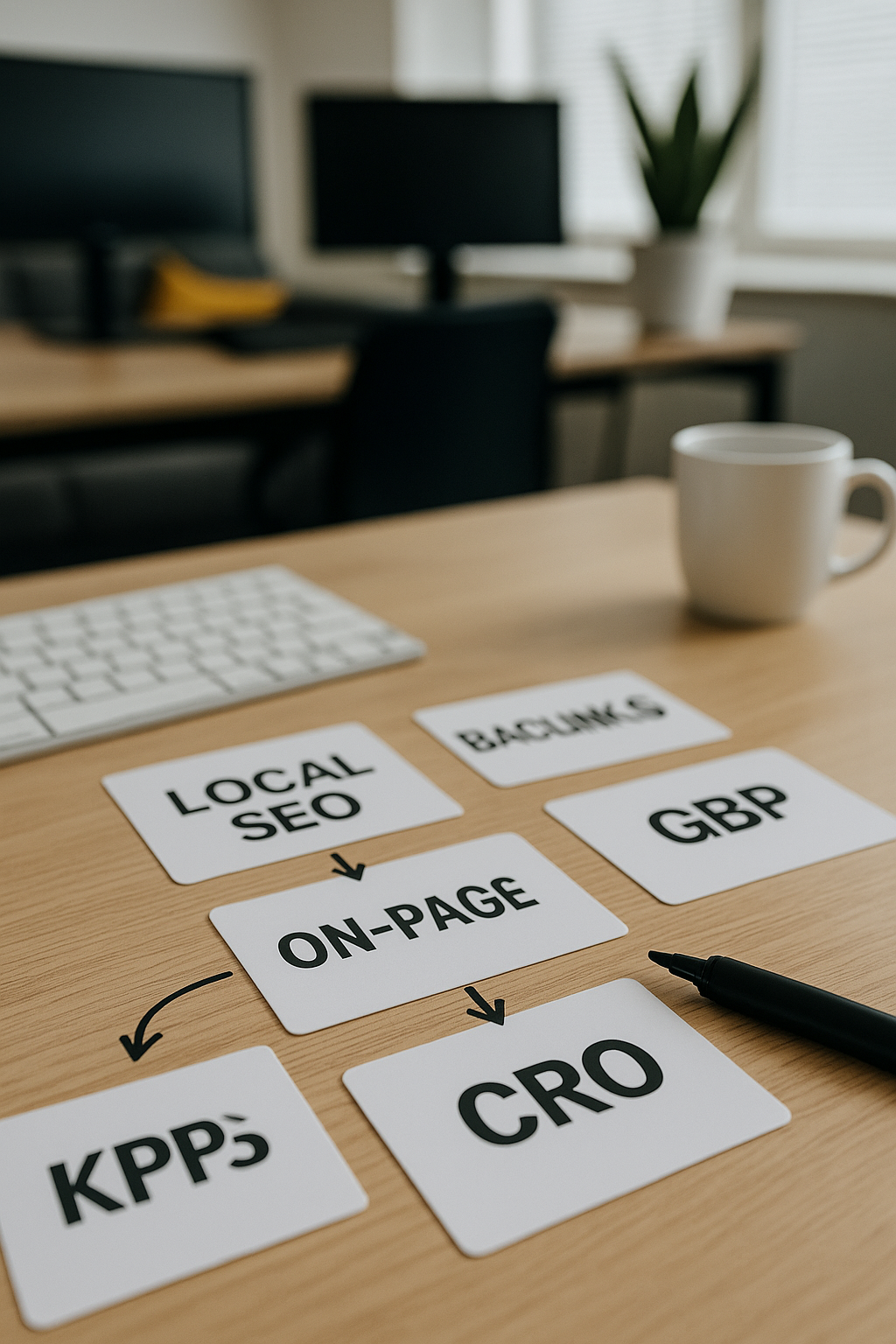
Accurate Business Information
Ensuring your business name, address, and phone number are correct is crucial for local search accuracy and customer trust.

Adding your business to Google Maps is a crucial step towards enhancing your local presence and connecting with potential customers. Our expert guide will walk you through the straightforward process, ensuring your business details are accurate and visible where it matters most.
Whether you’re starting fresh or optimising an existing listing, getting listed correctly can significantly improve your online reputation and make it easier for customers to find and engage with you. Begin your journey today to elevate your business’s visibility on one of the world’s most trusted platforms.
Free Google Business Profile AuditEnsuring your business name, address, and phone number are correct is crucial for local search accuracy and customer trust.

Choosing the most relevant business category helps Google connect your listing with appropriate customer searches and improves visibility.
Completing the Google verification step confirms your ownership and enables full control of your business profile features and updates.
Uploading clear and professional photos increases engagement and showcases your business appealingly to potential customers on Google Maps.

Actively responding to customer reviews builds trust, encourages further feedback, and positively impacts your business reputation and ranking.

Maintaining up-to-date information like opening hours, special offers, or services ensures customers receive accurate and timely details about your business.
To begin the process of adding your business to Google Maps, start by ensuring you have a Google account. If you don’t already have one, create a professional account that you will use solely for managing your business listings. Next, visit the Google Business Profile (GBP) platform, formerly Google My Business, where you can claim or add your business.
Carefully enter accurate and up-to-date details about your business, including its name, address, phone number, and category. Precision is key, as consistency across online platforms boosts your local search visibility. After submitting your information, you will be prompted to verify your business, typically via a postcard, phone, or email, to confirm that your business location is legitimate. Once verified, you can begin optimising your profile to attract more local customers effectively. Taking these foundational steps will set you on the path to achieving greater local presence through Google Maps.
Businesses listed on Google Maps are 70% more likely to attract local customers and improve sales performance.

One of the most common errors businesses make is providing inaccurate or inconsistent information. This can include incorrect contact details, addresses, or business names. Such discrepancies confuse potential customers and may lead to your listing being flagged or removed. Ensuring all your information is precise and matches your official records is essential for maintaining credibility and improving local search rankings.
Another critical mistake is neglecting to verify your business listing. Verification confirms your ownership and unlocks important features that help manage your presence on Google Maps. Failing to verify your listing limits your control and can reduce visibility, so prioritise this step to maximise the benefits of your Google Maps profile.
Let us guide you through the process of adding your business to Google Maps, ensuring greater local exposure and attracting more customers with ease and confidence.
Get Your Free Google Business Profile Audit