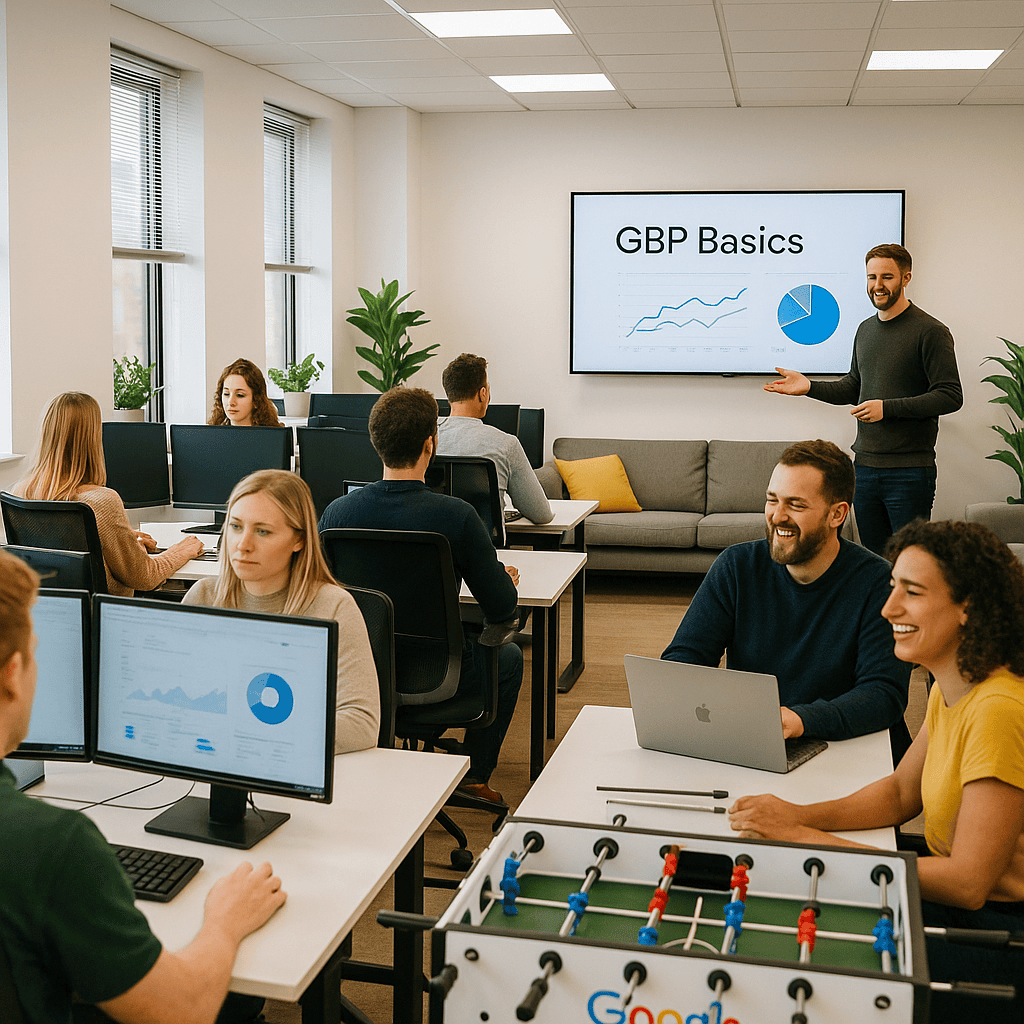
GBP Basics
Welcome to our guide on GBP Basics, designed to help you navigate the essential steps of Google Business Profile management. Whether you are new to Google Business Profile or seeking to improve your current listing, this page provides clear and practical advice to establish a strong local presence online.
Understanding how to create, manage, and optimise your profile is crucial for enhancing visibility in local search results. By following these fundamentals, you can ensure your business information is accurate, engaging, and accessible to potential customers in your area.
Top 5 Things You Should Know About GBP Basics
Claim Your Profile
Claiming your Google Business Profile is essential to control your business information and appear in local search results reliably.
Complete Business Information
Providing thorough and accurate details, including address, opening hours, and contact numbers, improves your profile's trustworthiness and visibility.
Use High-Quality Images
Uploading clear, relevant photos helps attract customers and showcases your products, services, and premises effectively on your GBP listing.
Encourage Customer Reviews
Positive reviews enhance your reputation and ranking, so actively requesting and responding to customer feedback is highly beneficial.
Regularly Update Your Profile
Keeping your profile current with new offers, events, and changes ensures customers receive accurate information and promotes ongoing engagement.
Getting Started with Your Google Business Profile
Creating a Google Business Profile (GBP) is a straightforward process that lays the foundation for enhancing your local online presence. To begin, visit the Google Business Profile website and sign in using a Google account associated with your business. This ensures you can easily manage and update your listing as needed.
Next, provide accurate and up-to-date information about your business, including your business name, address, contact details, and category. It is important to verify your listing through the methods offered by Google, such as a postcard, phone call, or email, to confirm your association with the business location.
Once verified, you can further optimise your profile by adding photos, business hours, and a detailed description. Regularly updating and engaging with customer reviews will also help maintain a strong and trustworthy online presence. This initial setup sets the stage for improved local visibility and customer engagement.
Optimised GBP profiles drive significant customer engagement
Mistakes to Avoid with the Basics
Understanding common pitfalls in managing your Google Business Profile ensures your listing reaches its full potential and attracts local customers effectively.
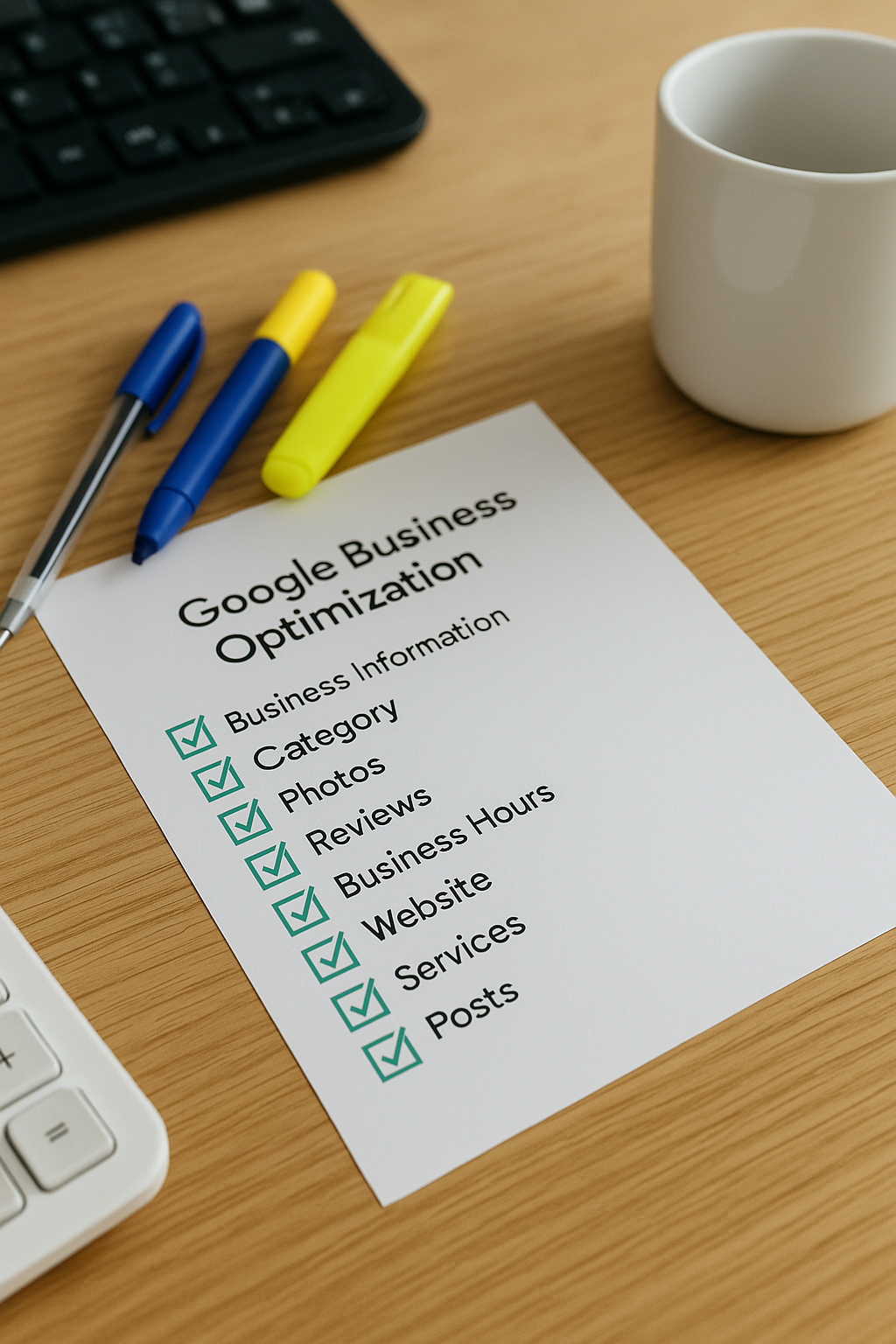
Incomplete Information
Leaving out key details such as address, hours, or contact information can confuse customers and reduce trust in your profile.

Ignoring Reviews
Failing to respond to customer reviews misses opportunities for engagement and damages your reputation in local searches.

Using Incorrect Categories
Selecting wrong or irrelevant business categories can mislead potential customers and lower your profile's search ranking.

Neglecting Photo Updates
Outdated or poor-quality images reduce appeal and fail to showcase your business accurately to potential visitors.
Integration of GBP Basics within Your Digital Marketing Strategy
Understanding the fundamentals of Google Business Profile (GBP) is crucial for enhancing your local digital presence. By optimising your GBP listing, you improve visibility in local search results, which directly supports broader marketing objectives. This ensures potential customers can easily find and engage with your business at the right moment.
Incorporating GBP Basics into your wider digital marketing strategy complements other channels such as SEO, social media, and paid advertising. It provides a cohesive approach to building trust and credibility within your local community, ultimately driving increased foot traffic and online conversions.